 WPGrowKit
 WordPress how-to /
How to create a quiz in WordPress (step by step, free)
Create a quiz in WordPress with a free plugin. Pick a quiz type, write questions, capture emails, and publish with a block or shortcode.
Free WordPress quiz plugin
Quizably is a drag-and-drop quiz builder for WordPress. Build personality quizzes, trivia, surveys and polls, and capture the lead right before the result.
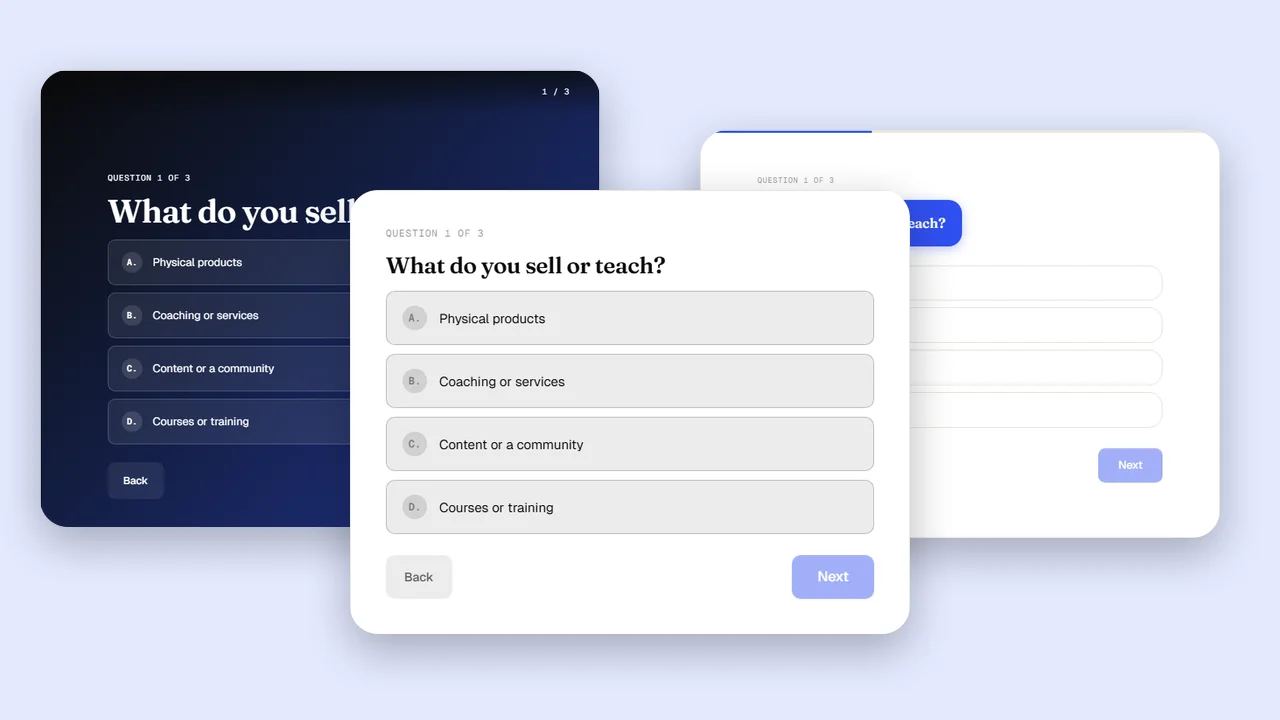
This is a real quiz. Take it, then see what happens behind it.
Add it to your site with
Send leads to
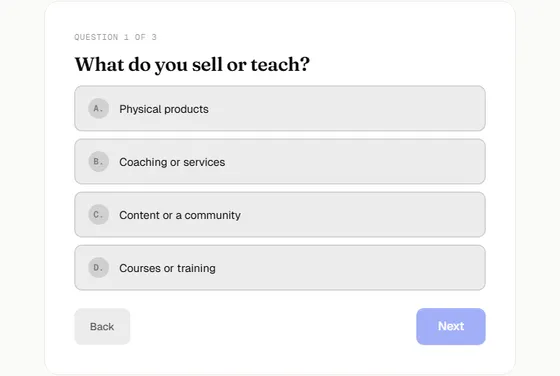
Classic
A bordered card in the middle of the content. The safe default for most sites.
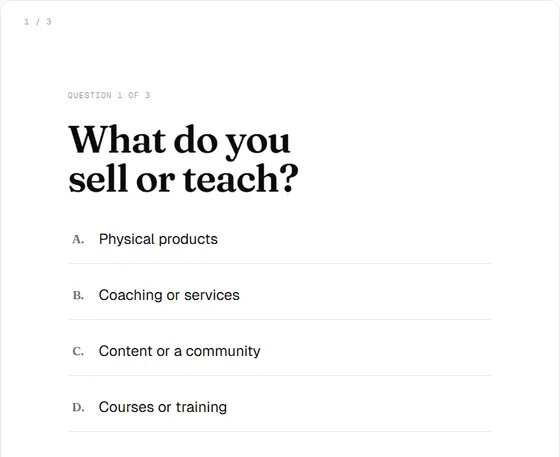
Minimal
No card, no chrome. The quiz sits on the page itself.
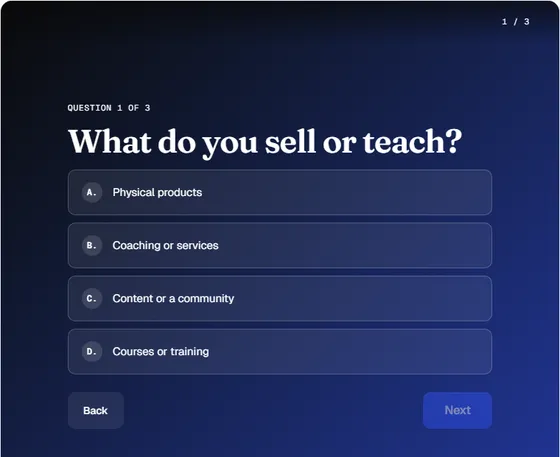
Full screen
Dark and immersive. Takes over the whole viewport while someone takes the quiz.

Conversational
A chat-style flow that reads like a message thread.
Build, capture, measure and connect, all inside WordPress.
Quiz builder
Drag questions into order, edit answers inline, and watch the live preview update. No custom CSS and no shortcode guesswork.
Lead capture
Quizzes convert better than static opt-in forms because people want to see their answer. Place the form where it works best for you.
Analytics
Every quiz tracks itself. Use the numbers to rewrite the question that loses people, and to see which results get picked most.
Integrations
The webhook posts each submission as JSON the moment it happens. Connect it to Zapier or Make, and from there to your email tool or CRM.
{
  "quiz_title": "Which quiz would grow your list fastest?",
  "quiz_type": "personality",
  "result": { "title": "A product finder" },
  "score": null,
  "lead": null,
  "timestamp": "2026-09-30T14:02:11+00:00"
}The quiz bundle only loads on pages that actually contain a quiz, so the rest of your site stays light.
Quiz styles use their own classes. Your theme cannot restyle the quiz, and the quiz cannot break your theme.
Add a quiz with the Gutenberg block, paste a shortcode anywhere shortcodes work, or embed it with an iFrame.
Export any quiz as JSON and import it on another site.
A .pot file ships with the plugin for Loco Translate, Poedit or WordPress.org.
Personality tallies for "which type are you" quizzes and score ranges for trivia, each result with its own image and link.
Only users with the right capability can view leads, and IP addresses are hashed with SHA-256 before storage.
Same quiz, four looks. This is the plugin itself rendering each one, so what you see is what your visitors get.
A bordered card in the middle of the content. The safe default for most sites.
See every templateAdd Quizably from the Plugins screen in WordPress, then activate it.
Open Quiz Builder, pick a type and template, add questions, and map answers to results.
Paste the shortcode or add the Quizably block to any page, post or widget area.
A product finder quiz that recommends the right thing and captures the email
Read more Personality quizA lead magnet quiz your audience actually wants to finish
Read more Personality or trivia quizTrivia and "which one are you" quizzes that keep readers on the page
Read more Trivia (scored) quizScored quizzes that show learners what to study next
Read more Personality quizRoute new members to the right starting point with a short quiz
Read more| Static opt-in form | A quiz with Quizably | |
|---|---|---|
| What the visitor gets | A promise of something later | A personal result right now |
| Why they share their email | They want the download | They want to see their result |
| What you learn about them | Nothing beyond the email | Their answers and result |
| Follow-up you can send | The same email to everyone | Matched to the result they got |
| Time on your page | Seconds | Minutes, answering questions |
No trial, no card, no cap on quizzes, questions or leads.
$0
Open source under GPLv2 or later
Can't find yours? The plugin's WordPress.org page has a support forum.
Yes. All four quiz types, the four templates, lead capture, webhooks and analytics are in the free plugin, with no cap on quizzes, questions or leads.
Personality or result quizzes, trivia and score-based quizzes, surveys, and polls. Questions can be single choice, multiple choice, true or false, dropdown, short text or rating.
Yes. Quiz styles are scoped to their own classes, so your theme does not restyle the quiz.
Use the Quizably block in the editor, or paste the [quizably_quiz id="..."] shortcode anywhere shortcodes work. You can also use the iFrame embed code from the Summary tab of the quiz.
Into the Leads dashboard inside WordPress, where you can search, filter and export them as CSV. The webhook can also forward every submission to Zapier, Make or any URL in real time.
Through the webhook. Send each submission to Zapier or Make, then on to Mailchimp, ActiveCampaign, a CRM or any tool that accepts a webhook.
Only users with the right capability can view leads. IP addresses are hashed with SHA-256 before they are stored, so Quizably never logs a raw IP.
The quiz bundle only loads on pages that contain a quiz.
WordPress how-to /
Create a quiz in WordPress with a free plugin. Pick a quiz type, write questions, capture emails, and publish with a block or shortcode.
Lead generation /
Seven quiz formats that work as lead magnets, what to ask in each, and how to pick the one that fits your site. Built for WordPress.
Guides /
Plan the results first, write questions that point to them, and publish with a block or shortcode. A step-by-step guide using the free Quizably plugin.
Install Quizably, pick a template, and start collecting leads today.
Download Quizably free